
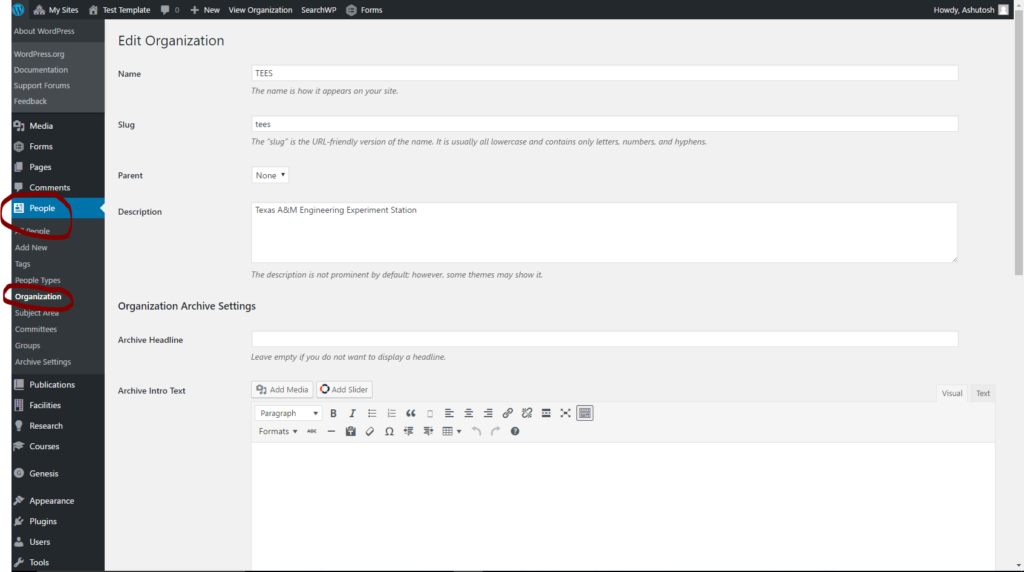
Go to People -> Organization -> Add New and create your organization name as shown below
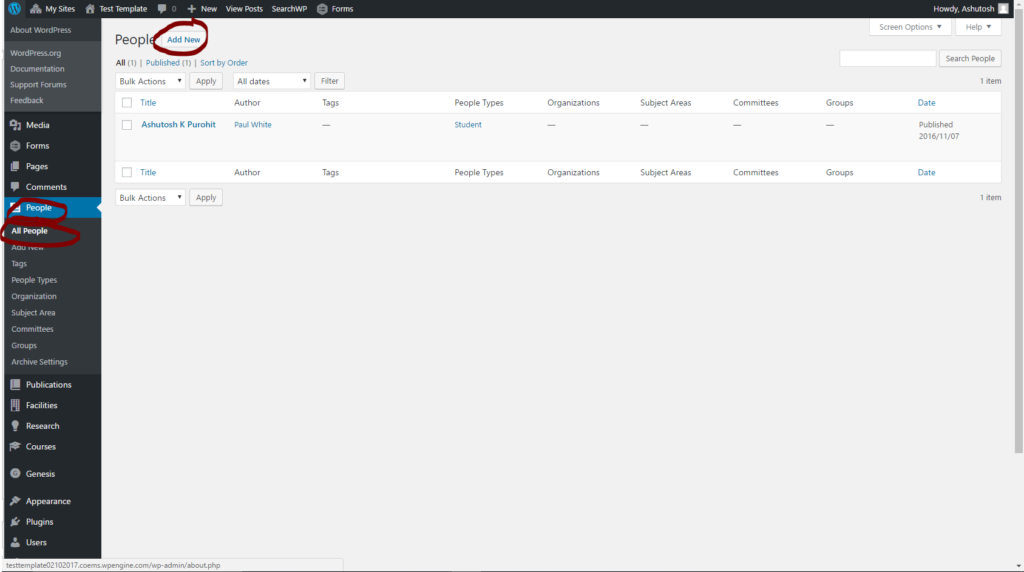
Now under “People” tab click “Add New” to add a new entity. I have added an entity “Student” as shown below
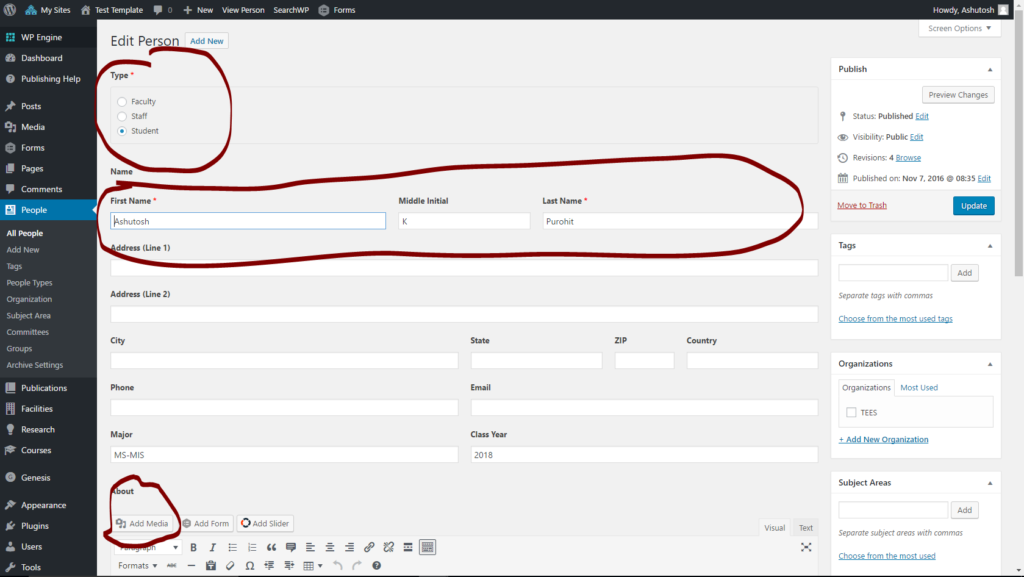
You can then fill in the details and can even add media to personalize each entity.
Now go to Appearance -> Customize -> Menus as shown below and “Add Items” as shown below.
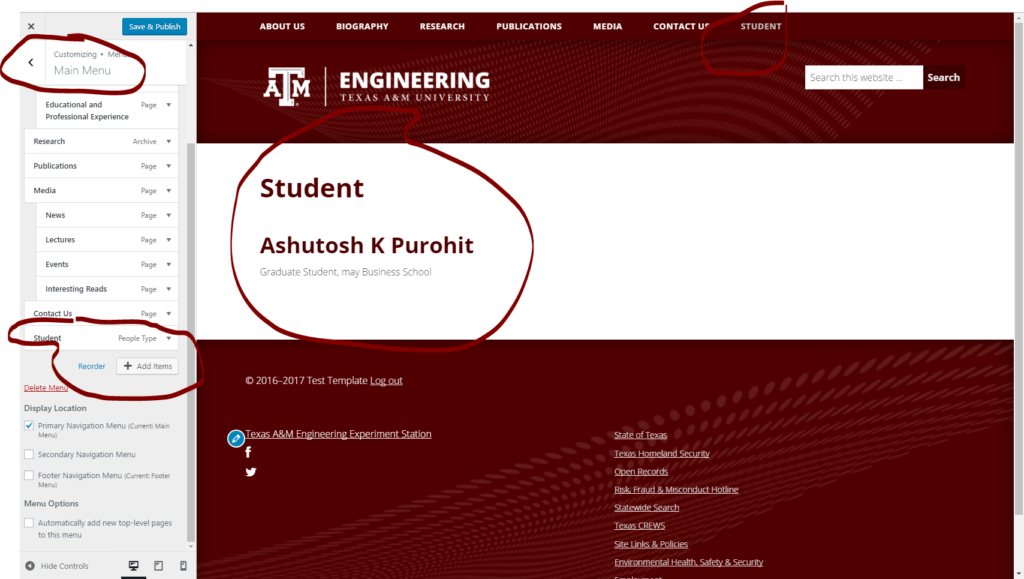
Save and Publish your work. Similarly, you can add your created organization to the main menu.